Ink - Turn your smartphone into a writing pad for your PC

What is Ink ?
Ink is an app pair consisting of a Receiver and Sender that transforms your smartphone/tablet into a precision handwriting pad for your PC.
Receiver
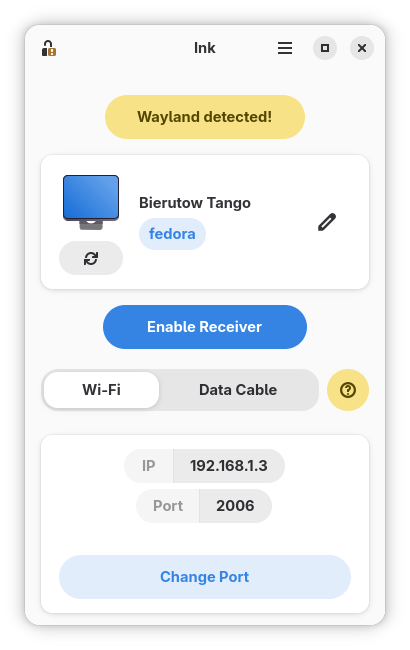
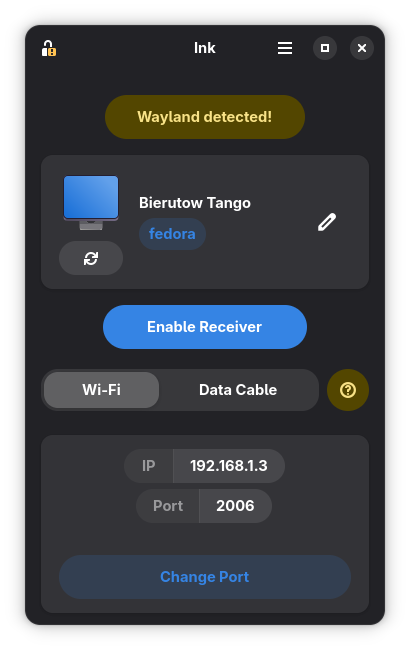
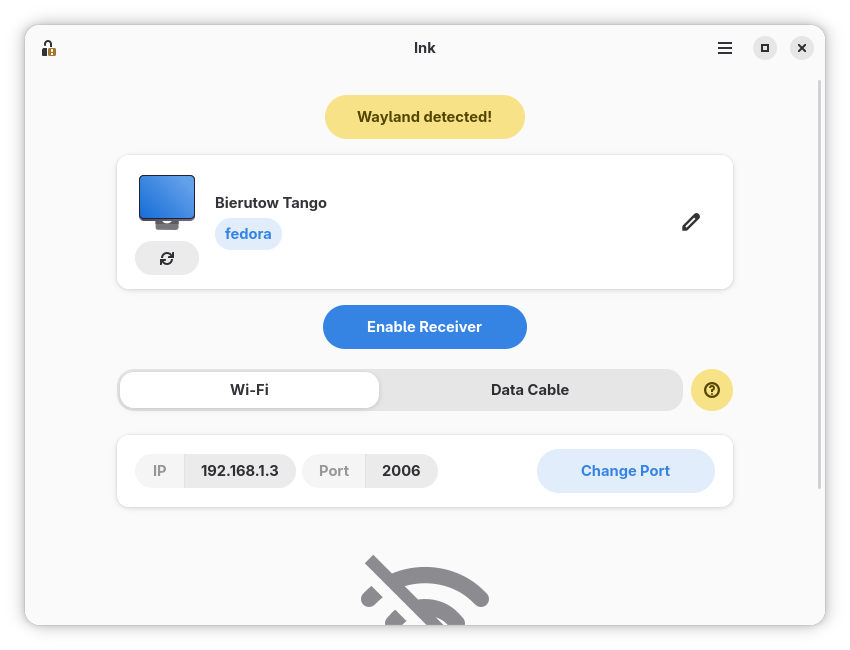
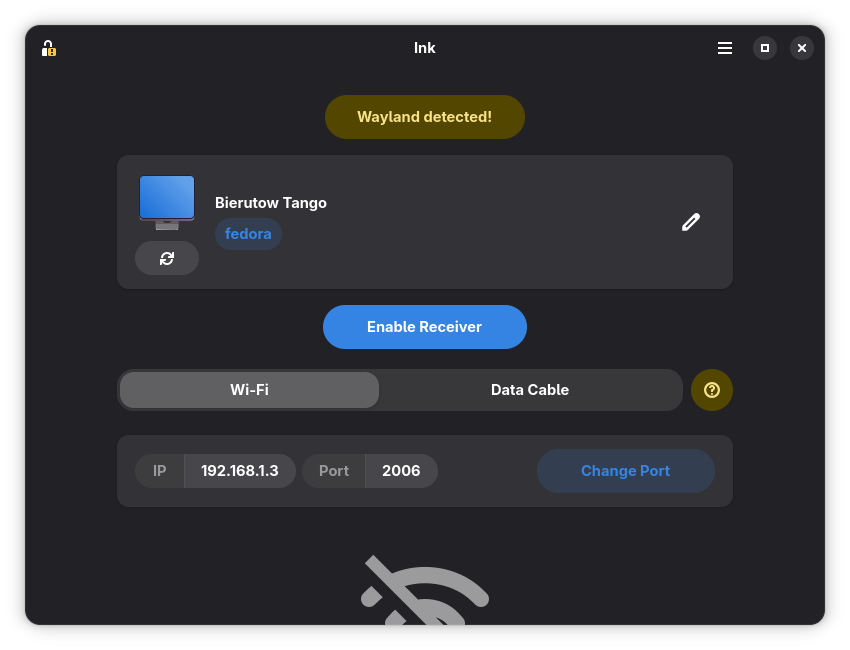
This is the PC application for Windows 10/11 and Linux distributions. The application does 3 things,
- establish a connection with the Sender,
- initiate Live Input, a feature that allows it to input text into the currently focused text field, and
- is responsible for generating an encryption key.
Sender


This is the Android app that also does 3 things,
- establish a connection with the Receiver,
- provide a canvas for the users to doodle in their own language, which is then converted into text and is ready to be sent with the press of a button, and
- scan the encryption key of the Receiver so that messages are end-to-end encrypted.
Why I created Ink ?
The reason I created Ink can be summed up in 2 points.
- People who want to handwrite digital notes on their computers usually need to purchase dedicated drawing tablets or touchscreen PCs. Ink removes this financial barrier by turning your existing mobile device into a desktop handwriting tool.
- Standard keyboards are optimised for Latin alphabets, meaning character-based languages (like Chinese, Japanese, or Korean) and complex scripts require cumbersome Input Method Editors (IMEs) or phonetic typing. Ink allows you to bypass this friction entirely by writing characters naturally by hand.